
Multi-Browser
Multi-seat web browser - each user gets their own independent session
Requires MouseMux running on Windows. Get it free.
Multi-Browser
Multi-seat web browser - each user gets their own independent browser instance.
What This Is
Multi-Browser is a MouseMux-compliant web browser that enables multiple users to each claim and run their own independent browser session on a single computer. Each user gets their own cursor and full browser control, creating a true multi-seat browsing experience. Start multiple instances - one per user - and everyone can browse independently and simultaneously.
Multi-Seat Functionality
The multi-seat design means each user operates their own browser window with complete independence:
- One user per instance - Click to claim ownership; only your input is processed
- Multiple simultaneous sessions - Launch as many browser instances as you have users
- Independent navigation - Each user browses different sites without interference
- Visual ownership indicator - Always clear who controls each browser instance
- Lock ownership - Prevent accidental transfers during important tasks
Main Features
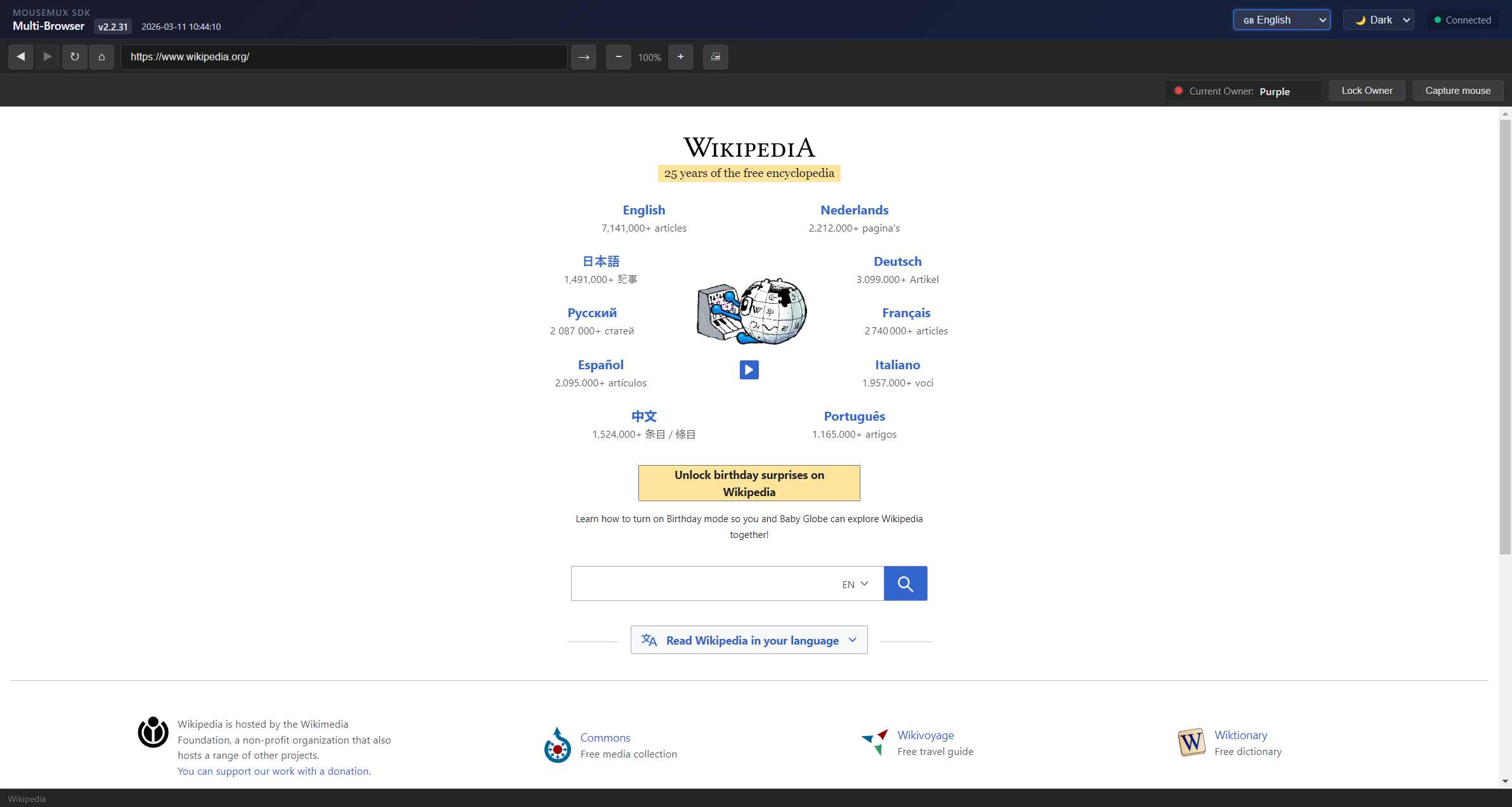
The interface includes a standard browser toolbar with back, forward, refresh, and home buttons, plus an address bar for navigation. The ownership system shows who currently controls the browser, and users can lock ownership to prevent accidental transfers. The status bar displays the current page state and owner information.
Use Cases
Multi-Browser is ideal for any scenario where multiple people need simultaneous independent web access on the same machine:
- Shared workstations - Multiple employees sharing a single computer, each with their own browser
- Computer labs - Students working independently on web-based assignments
- Collaborative research - Team members exploring different sources simultaneously
- Training sessions - Instructor monitors while trainees browse learning materials
- Library terminals - Multiple patrons using one station for web research
- Kiosk environments - Several users accessing web services from one machine
- Guided web tours - Presenter leads while participants follow along in their own browsers
- Remote support - Technician and user each have browser access during troubleshooting
Getting Started
- Launch Multi-Browser from the MouseMux launcher
- Connect to the MouseMux server when prompted
- Click anywhere in the browser window to claim ownership
- Your name appears in the owner bar - you now control this instance
- Navigate freely using the address bar and toolbar
- For additional users, launch more instances - each person claims their own
What It Demonstrates
This app shows how the MouseMux Web SDK handles single-user ownership patterns. It demonstrates how to track which user is currently in control, how to filter input so only the owner’s actions are processed, and how to build UI that shows ownership state to all connected users. The code serves as a learning reference for building similar single-owner applications.
MouseMux Development Team · https://www.mousemux.com