
Whiteboard
Collaborative whiteboard for multi-user presentations
Requires MouseMux running on Windows. Get it free.
Whiteboard
Collaborative whiteboard for drawing, diagramming, and visual brainstorming with multiple users.
What This Is
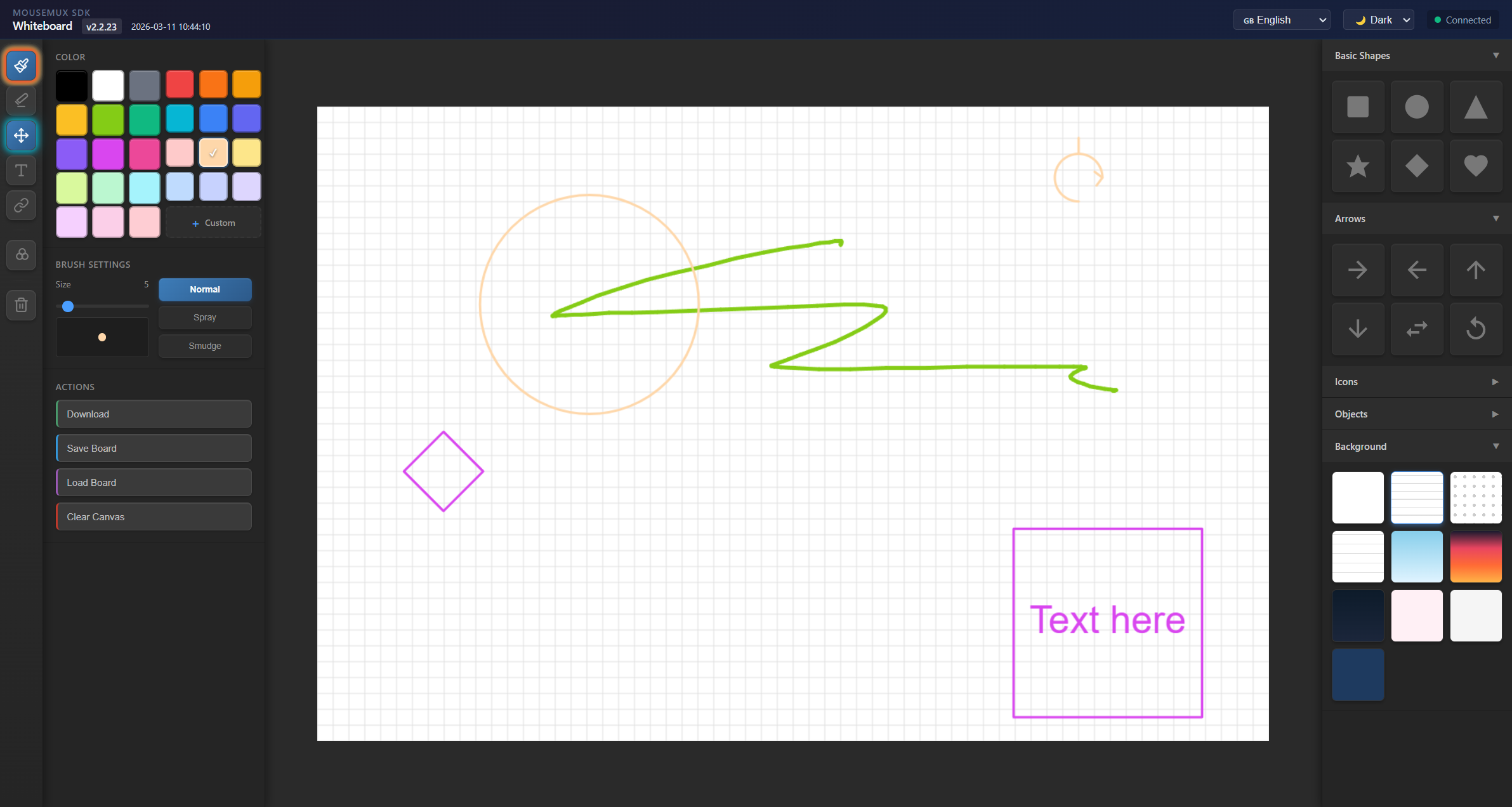
A whiteboard app where multiple people can draw and create diagrams together in real-time. You can sketch freehand, drag shapes onto the canvas, add text, connect things with arrows, and choose from different backgrounds. Everyone sees each other’s changes as they happen, and you can save your work to load it back later.
What You Can Do
The app comes with 26 different shapes you can drag onto the canvas - basic shapes like circles and squares, arrows pointing different directions, icons like checkmarks and stars, and objects like cars, trees, and lightbulbs. There are also 10 different backgrounds to choose from, ranging from simple grids to decorative options like clouds, sunsets, and stars.
You can draw freehand with a brush or use the move tool to drag shapes around. Text can go anywhere on the canvas or inside shapes - just press T and click where you want it. If you want to connect shapes with arrows, press L and click the shapes you want to link. The arrows stick to the shapes and move with them.
Getting Started
Launch the app from the MouseMux launcher and connect when prompted. Pick a background, drag some shapes onto the canvas, and start drawing or typing. Press B for the brush, E for eraser, M to move things around, T to add text, or L to draw connection arrows between shapes. You can save what you’ve made and load it back later using the save and load buttons.
MouseMux Development Team · https://www.mousemux.com