Multi-Paint
Simple drawing app for collaborative sketching with multiple users.
What This Is
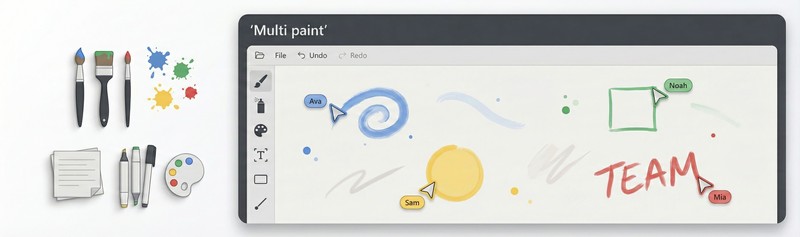
A basic drawing application where multiple people can draw together on the same canvas in real-time. Each person gets their own cursor and color, and everyone sees everyone else’s drawing as it happens. It’s built with the MouseMux Web SDK as a simple example of how multi-user canvas applications work.
How It Works
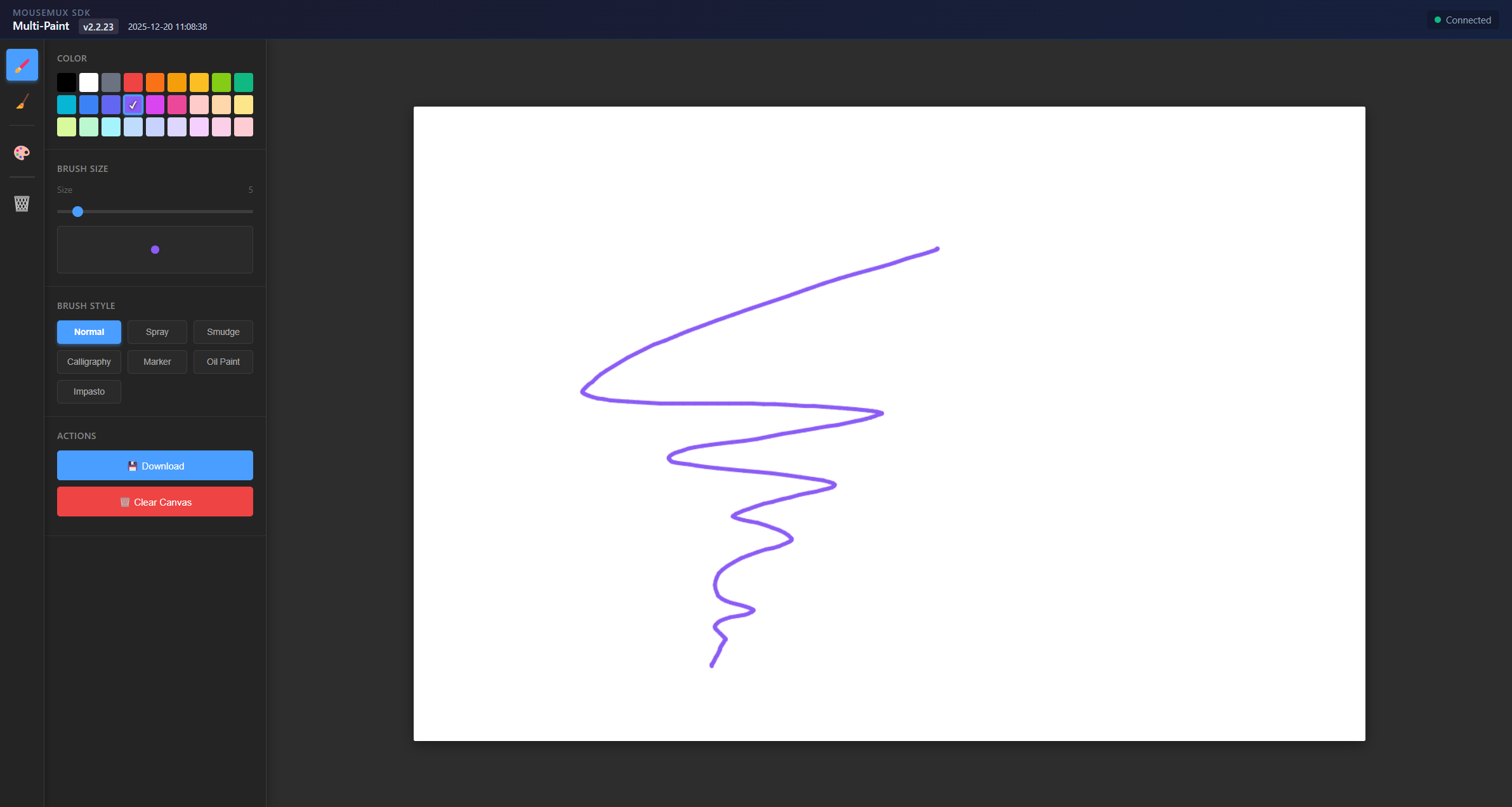
When you launch Multi-Paint, you can connect to MouseMux for multi-user mode or try it offline. The app gives each person a random color from a palette and shows all the cursors on screen. You get three different brush styles to choose from - a normal brush, a spray paint effect, and a smudge tool that blends colors together. The brush size adjusts from tiny to fairly large, and if you’re using a pen or stylus with pressure sensitivity, that works too. There’s also a dark and light theme if you prefer one over the other.
Getting Started
Launch the app from the MouseMux launcher. If you want to draw with others, connect to MouseMux when prompted - otherwise you can continue offline to test it out. Pick your brush style and size from the toolbar and start drawing. That’s pretty much it. You can export what you’ve drawn as a PNG if you want to save it.
MouseMux Development Team · https://www.mousemux.com