SDK Test
MouseMux SDK Test Interface
developers
SDK example
v2.2.29
MouseMux SDK Test Interface
Simple raw interface for testing MouseMux SDK capabilities.
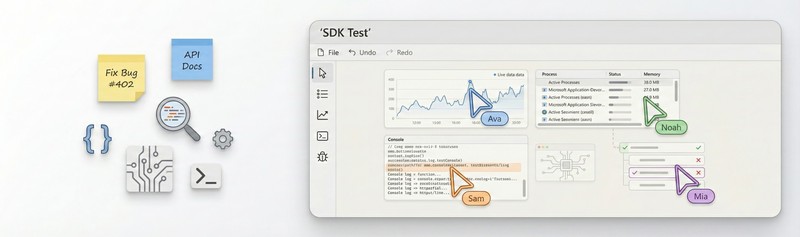
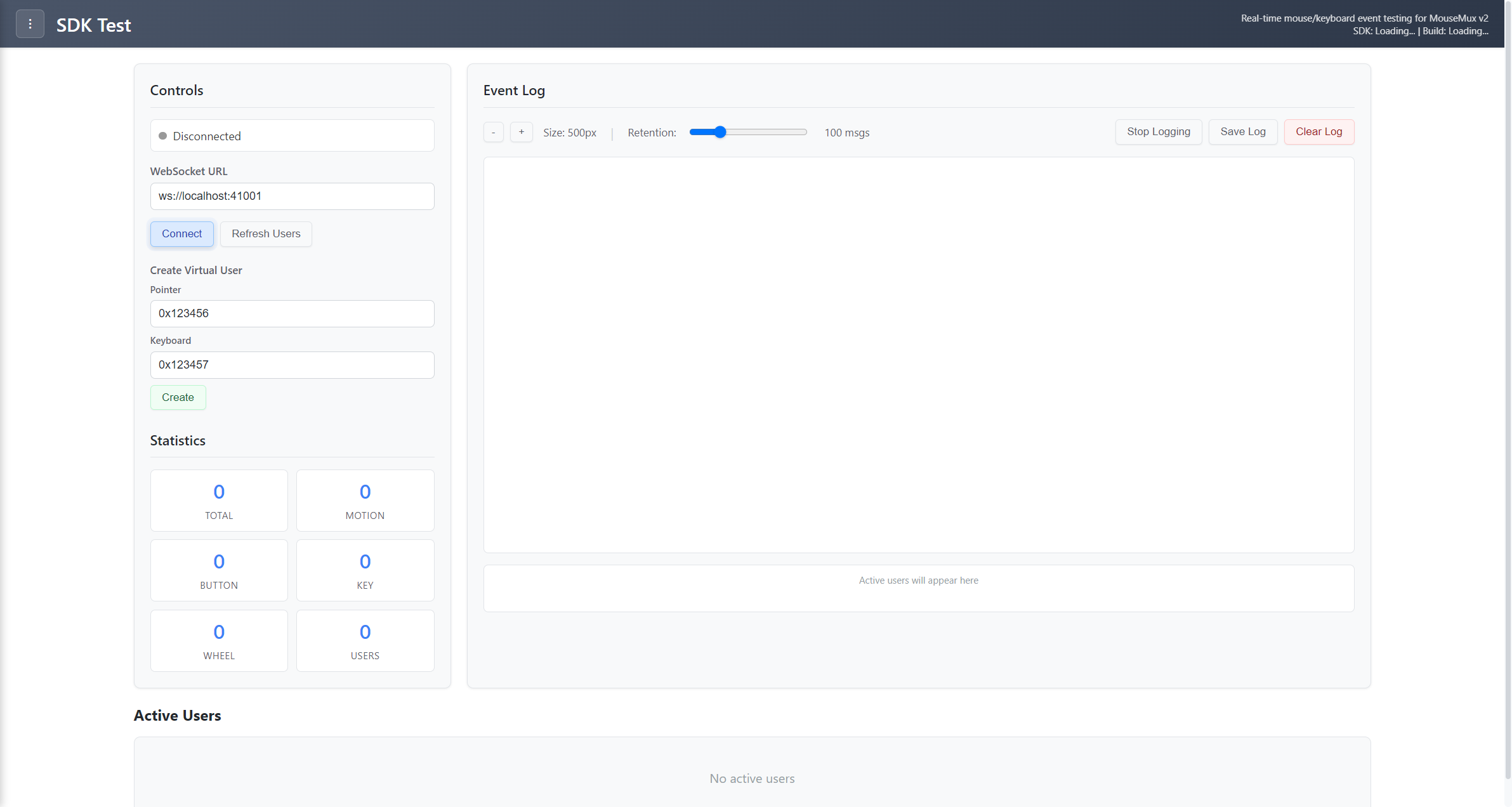
A very basic and raw testing tool that lets you explore the MouseMux Web SDK at a low level. This is the most stripped-down example in the collection - it uses direct SDK calls without any handlers or abstractions, making it useful for testing your devices and reviewing all the raw information the SDK provides.
The interface shows you all connected devices and lets you test basic SDK functions like moving the mouse, typing on the keyboard, reading clipboard content, listing windows, and checking system information. Each action displays the raw response from the SDK so you can see exactly what data comes back.
Launch the app from the MouseMux launcher and connect when prompted. Click through the different test buttons to see what information your devices are sending and what the SDK returns. This is mostly useful for troubleshooting or understanding how the SDK works at its most basic level.
This app shows the MouseMux Web SDK in its most minimal form - direct API calls with no abstractions. Unlike the other example apps that use event handlers and state management, this one just makes raw SDK calls and displays the responses. It’s meant as a basic reference for understanding the underlying SDK structure.
MouseMux Development Team · https://www.mousemux.com
| Version | 2.2.29 |
| Category | developers, SDK example |
| Publisher | MouseMux Development Team |
| Platform | Web App |
| Status | SDK App |
| Updated | 2025-12-21 |
We can do that! In days, not months. Affordable pricing.
As the creators of MouseMux, we have complete control over every aspect of the platform. We can customize MouseMux to your exact needs: add your branding, run it invisibly in the background, modify behavior, or build entirely new features. Whether you need a custom multi-cursor application from scratch, want to adapt existing software for multi-user collaboration, or require deep MouseMux integration into your workflow, our team delivers.
Trusted by industry leaders











