Service Desk
Dual-interface customer service application
business
SDK example
v2.2.29
Dual-interface customer service application
Dual-screen customer service app where an advisor guides a customer through forms and workflows.
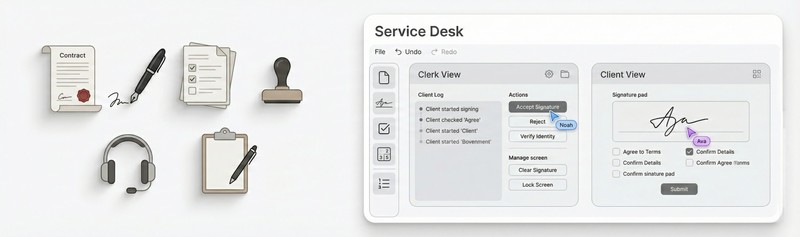
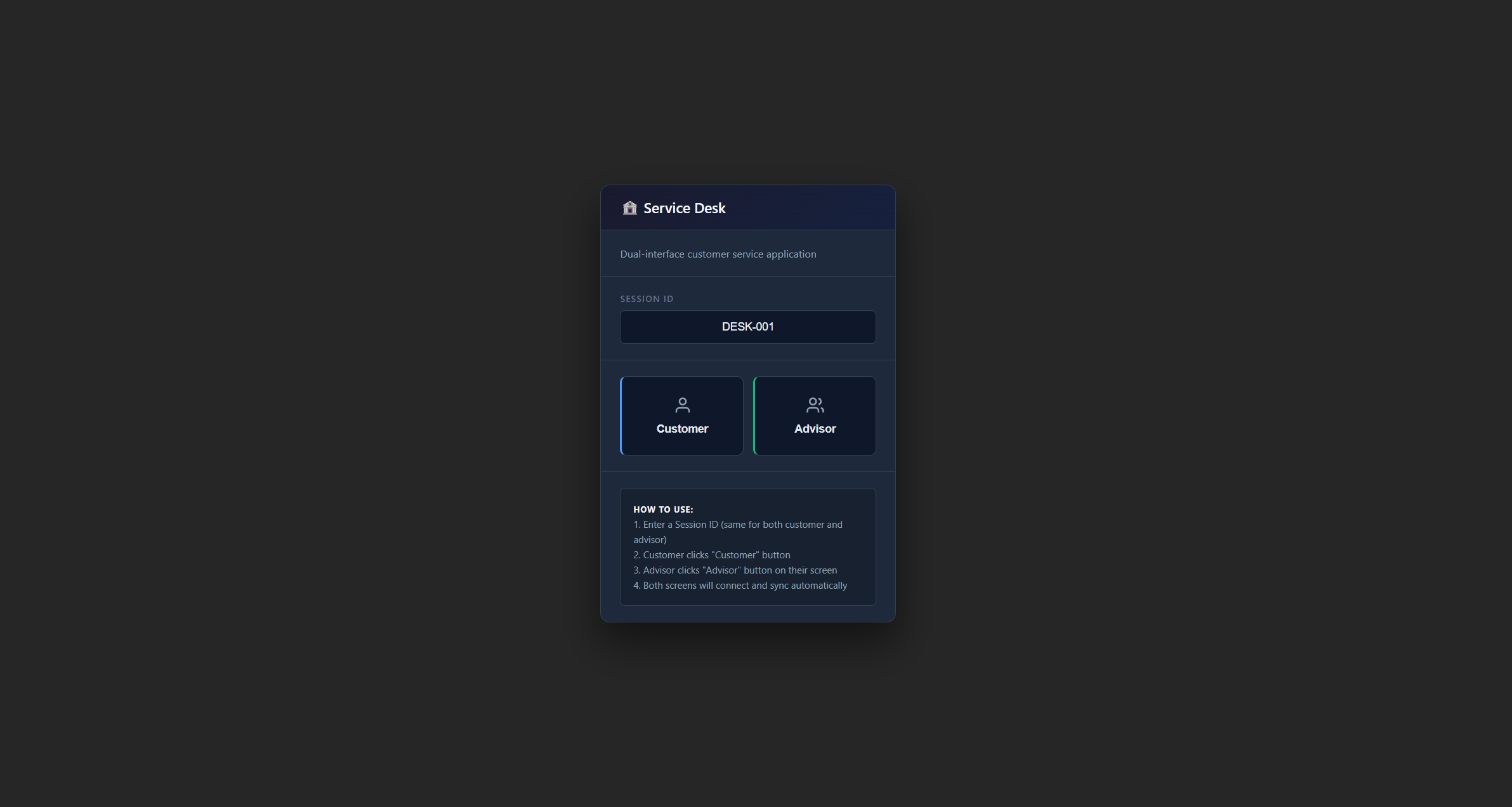
An app designed for customer service situations where you have two screens - one for the advisor and one for the customer. The advisor controls what the customer sees and guides them through different steps like filling out forms, verifying ID, or signing documents digitally. Everything syncs between the two screens in real-time using the browser’s built-in communication channels, so you don’t need any server setup - it all runs client-side.
You open two browser windows - one for the advisor and one for the customer. The windows talk to each other automatically through the browser. The advisor sees buttons for different workflow steps - welcome screen, consent form, ID verification, digital signature, and personal information collection. When they click a step, the customer’s screen instantly changes to show that step.
The advisor gets a full dashboard showing what’s happening. They can send messages to the customer with automatic translation to different languages if needed. There’s a live preview option that shows exactly what the customer is seeing in a small window. A heatmap visualization shows where the customer has been clicking, which helps identify if they’re confused about something. Everything gets logged in an audit trail with timestamps for compliance purposes.
When it comes to signatures, the app works with pen and stylus input including pressure sensitivity, so the signatures look natural. The customer goes through each step at their own pace - welcome message, reading and accepting terms, uploading ID documents, providing their signature on a canvas, and finally filling in their personal details. The advisor watches all this happen and can send helpful messages along the way.
Launch the app from the MouseMux launcher. Open it in two browser windows - one for the advisor view and one for the customer view. The advisor clicks through the workflow steps to guide the customer, and the customer fills out whatever form appears on their screen. The advisor can see everything the customer does in real-time and help them through any confusion.
MouseMux Development Team · https://www.mousemux.com
| Version | 2.2.29 |
| Category | business, SDK example |
| Publisher | MouseMux Development Team |
| Platform | Web App |
| Status | SDK App |
| Updated | 2025-12-21 |
We can do that! In days, not months. Affordable pricing.
As the creators of MouseMux, we have complete control over every aspect of the platform. We can customize MouseMux to your exact needs: add your branding, run it invisibly in the background, modify behavior, or build entirely new features. Whether you need a custom multi-cursor application from scratch, want to adapt existing software for multi-user collaboration, or require deep MouseMux integration into your workflow, our team delivers.
Trusted by industry leaders











