SoundBoard
Collaborative music creation with Moog-inspired synthesizer
education
kids
SDK example
v2.2.29
Collaborative music creation with Moog-inspired synthesizer
Simple SDK demonstration showing collaborative music-making with multiple users.
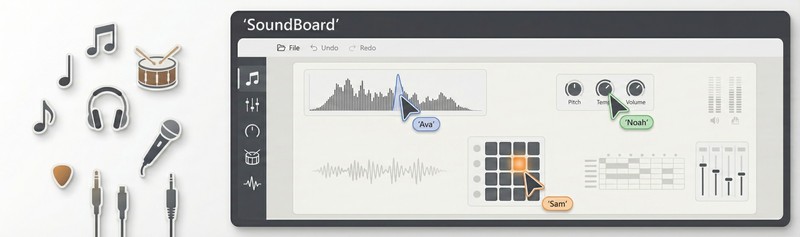
A basic music application that lets multiple users make sounds together in real-time using the MouseMux Web SDK. This is a simple prototype meant for learning, testing, and demonstrations - not a production-grade music application.
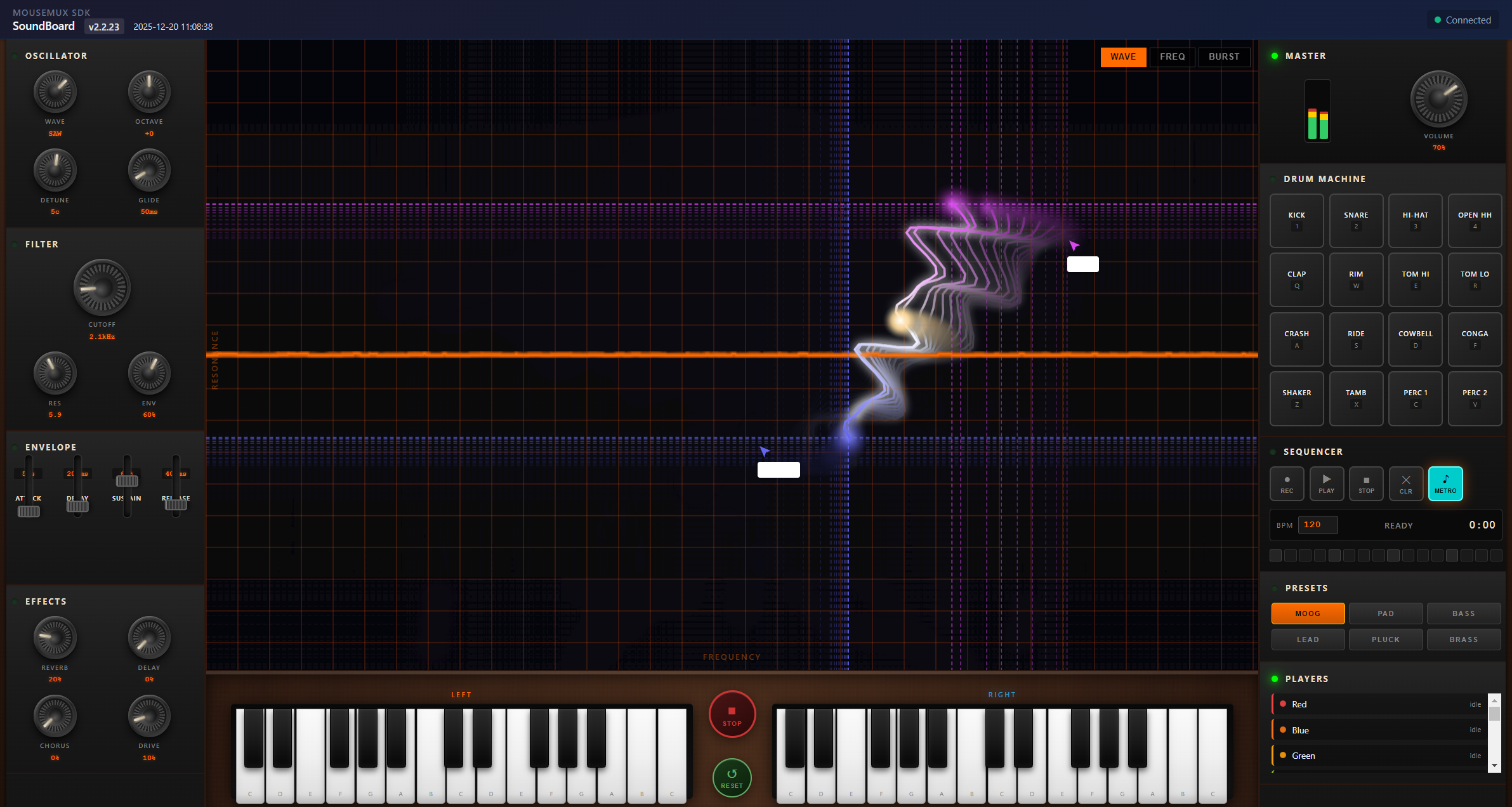
The app provides a simple synthesizer where multiple users can make music together in an interesting way. The center of the screen shows a waveform visualizer that doubles as an interactive XY control pad - when you drag your mouse or pointer across it, you’re manipulating the sound’s filter in real-time. This creates a really fun way to experiment with sound: even one person using two mice can create totally different musical expressions by dragging each mouse across different parts of the spectrum, and with two or more people you can collaboratively shape really interesting soundscapes together. The app also includes some piano keyboards and drum pads you can click to play notes and percussion, a handful of basic synth presets, and a simple step sequencer for recording short patterns.
The interface includes two piano keyboards covering a few octaves, a 16-pad drum machine with basic percussion sounds, and some simple synthesis controls like attack/decay/sustain/release envelopes and filter cutoff. You can choose from six basic presets, adjust the sound with mouse movements on the visualizer area, and record short sequences with the built-in sequencer.
Launch the app from the MouseMux launcher and connect when prompted. Pick one of the presets, then try the most interesting part - drag your mouse around the waveform visualizer in the center to hear how it changes the sound. If you have multiple users connected, everyone can move their pointers around this field at the same time, collaboratively shaping the audio together. You can also click the piano keys or drum pads to add notes and percussion, or record simple patterns with the sequencer if you want to loop something.
This app shows how the MouseMux Web SDK can handle multi-user audio applications using the Web Audio API. It demonstrates basic patterns for mixing multiple users’ audio in real-time, mapping mouse movements to audio parameters, and synchronizing simple sequencers across users. The code is straightforward and meant as a learning reference for building similar multi-user audio tools.
MouseMux Development Team · https://www.mousemux.com
| Version | 2.2.29 |
| Category | education, kids, SDK example |
| Publisher | MouseMux Development Team |
| Platform | Web App |
| Status | SDK App |
| Updated | 2025-12-21 |
We can do that! In days, not months. Affordable pricing.
As the creators of MouseMux, we have complete control over every aspect of the platform. We can customize MouseMux to your exact needs: add your branding, run it invisibly in the background, modify behavior, or build entirely new features. Whether you need a custom multi-cursor application from scratch, want to adapt existing software for multi-user collaboration, or require deep MouseMux integration into your workflow, our team delivers.
Trusted by industry leaders











