
Multi-Browser
Multi-seat web browser - each user gets their own independent session
productivity
Lite
v2.2.36
Multi-seat web browser - each user gets their own independent session
Multi-seat web browser - each user gets their own independent browser instance.
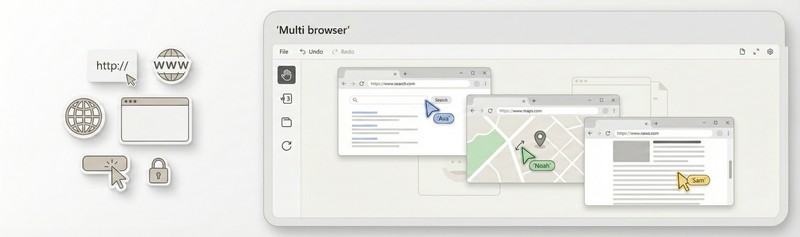
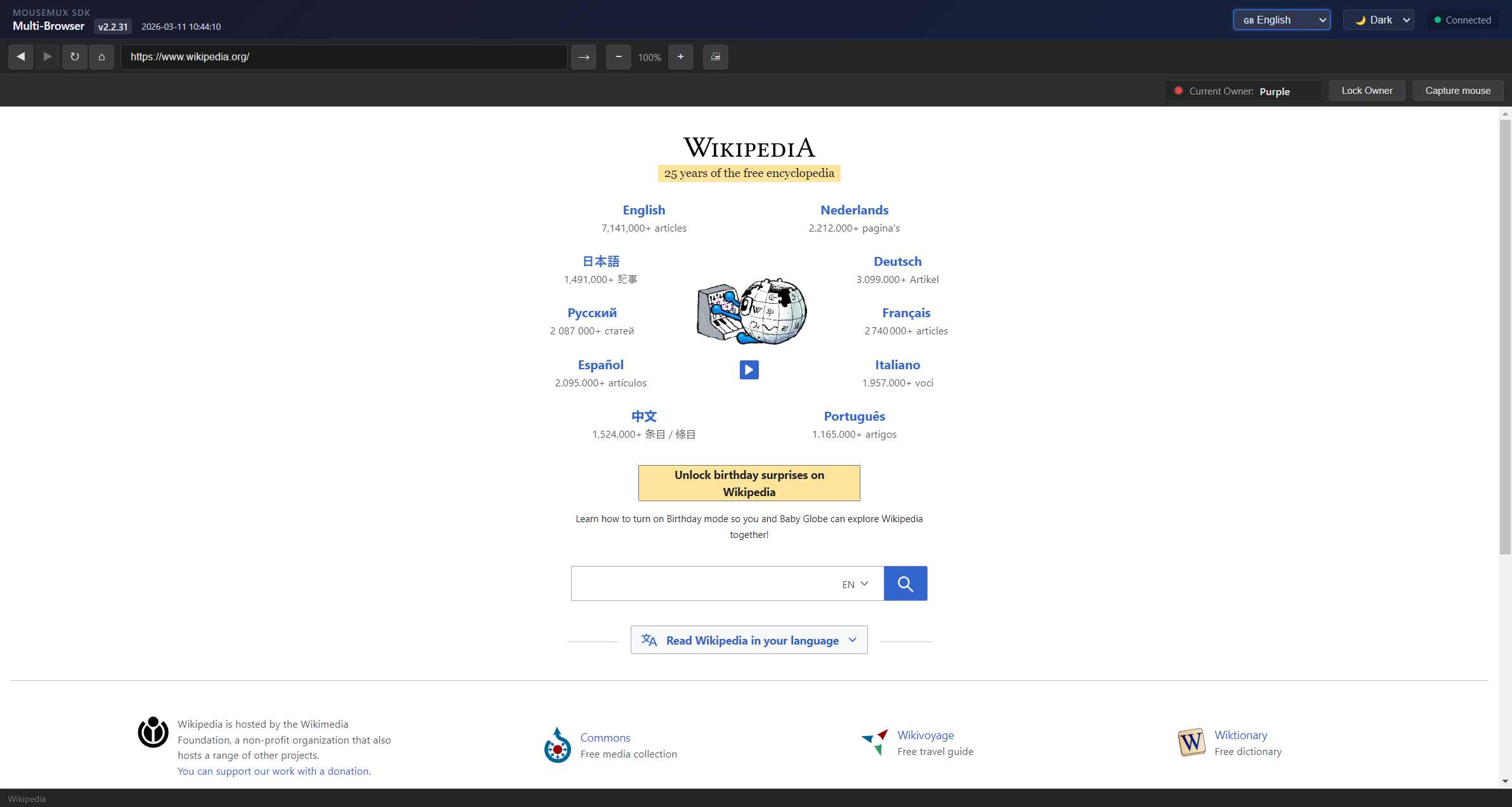
Multi-Browser is a MouseMux-compliant web browser that enables multiple users to each claim and run their own independent browser session on a single computer. Each user gets their own cursor and full browser control, creating a true multi-seat browsing experience. Start multiple instances - one per user - and everyone can browse independently and simultaneously.
The multi-seat design means each user operates their own browser window with complete independence:
The interface includes a standard browser toolbar with back, forward, refresh, and home buttons, plus an address bar for navigation. The ownership system shows who currently controls the browser, and users can lock ownership to prevent accidental transfers. The status bar displays the current page state and owner information.
Multi-Browser is ideal for any scenario where multiple people need simultaneous independent web access on the same machine:
This app shows how the MouseMux Web SDK handles single-user ownership patterns. It demonstrates how to track which user is currently in control, how to filter input so only the owner’s actions are processed, and how to build UI that shows ownership state to all connected users. The code serves as a learning reference for building similar single-owner applications.
MouseMux Development Team · https://www.mousemux.com
| Version | 2.2.36 |
| Category | productivity, Lite |
| Publisher | MouseMux Development Team |
| Platform | Web App |
| Status | SDK App |
| Updated | 2026-03-20 |
We can do that! In days, not months. Affordable pricing.
As the creators of MouseMux, we have complete control over every aspect of the platform. We can customize MouseMux to your exact needs: add your branding, run it invisibly in the background, modify behavior, or build entirely new features. Whether you need a custom multi-cursor application from scratch, want to adapt existing software for multi-user collaboration, or require deep MouseMux integration into your workflow, our team delivers.
Trusted by industry leaders











