
Multi-Edit
Collaborative multi-user text editor
collaboration
productivity
SDK example
v2.2.36
Collaborative multi-user text editor
Collaborative multi-user text editor where each user has their own cursor and keyboard.
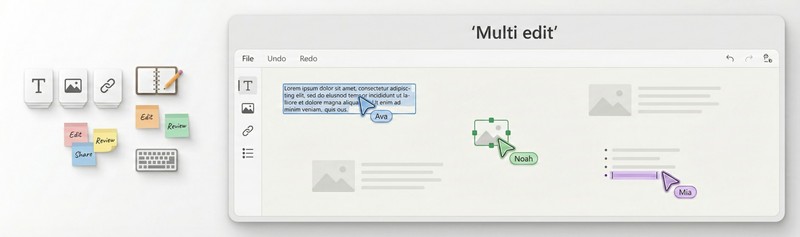
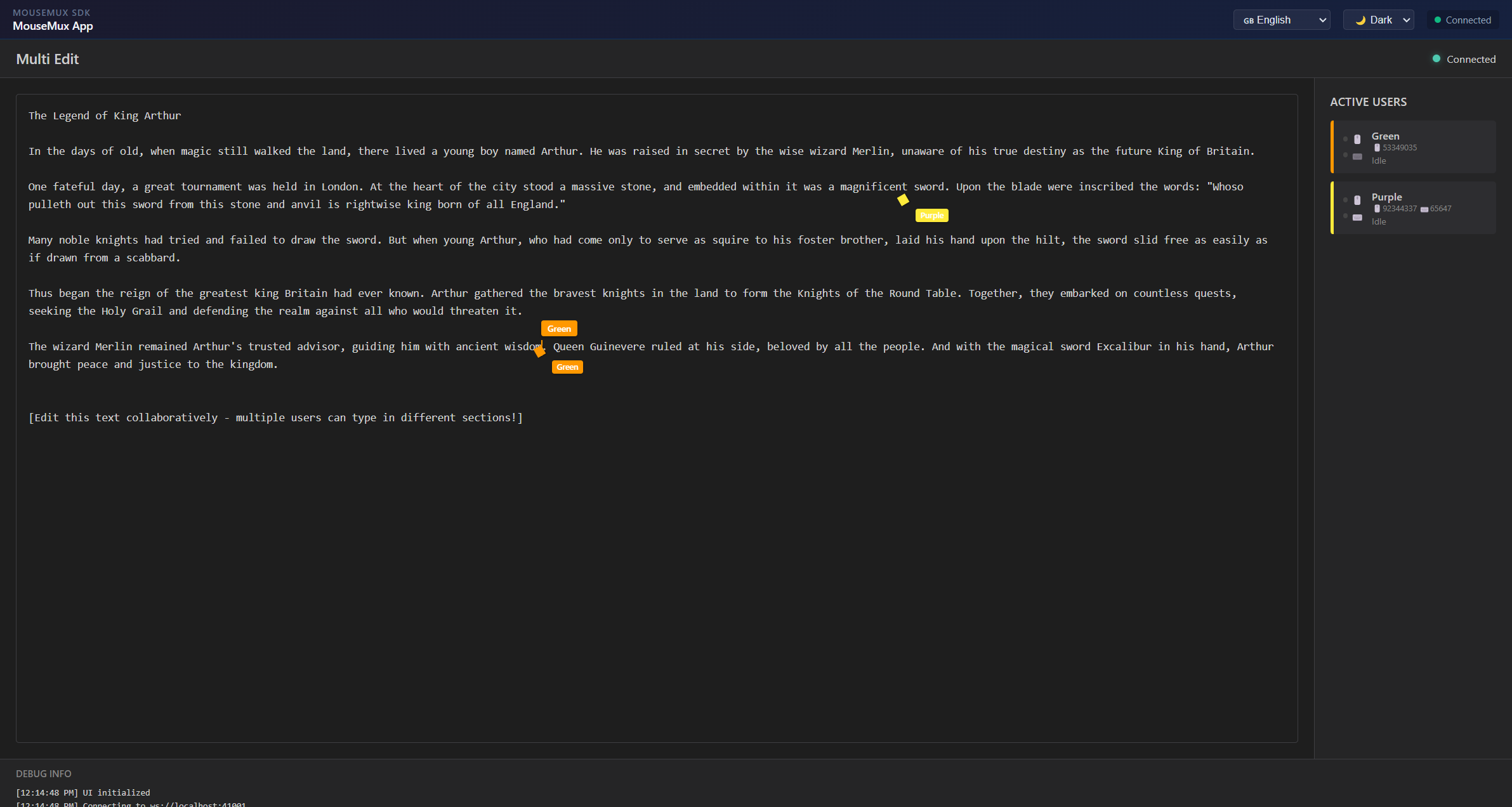
Multi-Edit is a collaborative text editor that lets multiple users type in the same document at the same time on the same computer. When you launch the app and connect to MouseMux, every keyboard and mouse pair that is plugged in becomes an independent user. Each user gets their own blinking cursor placed at their position in the text, shown in a unique color so you can always see who is where and who is typing what.
Users click anywhere in the document to place their cursor at that position. From there they can type freely, and the text they enter appears in their assigned color. The editor supports all standard editing operations independently per user: typing and deleting characters, selecting text with Shift and the arrow keys, navigating with Home and End, and working with a per-user clipboard using Ctrl+X to cut, Ctrl+C to copy, and Ctrl+V to paste. Each user’s clipboard is tracked separately, so cutting and pasting does not interfere between users. Ctrl+A selects all text, and Ctrl+Z and Ctrl+Y provide undo and redo.
A sidebar on the right side of the screen shows all currently active users with their name, color, and device information. Status indicators show whether each user’s mouse and keyboard are currently active. Name tags float above each cursor in the editor so you can see at a glance who is editing where. The tags appear when a user is actively typing and fade after a few seconds of inactivity.
The editor comes preloaded with a sample text that users can edit together, making it immediately usable for trying out multi-user editing without any setup beyond connecting. It is useful for demonstrating how MouseMux handles multiple simultaneous keyboard inputs on a single machine, and as a practical tool for shared workstations where multiple people need to take notes or draft text together.
MouseMux Development Team · https://www.mousemux.com
| Version | 2.2.36 |
| Category | collaboration, productivity, SDK example |
| Publisher | MouseMux Development Team |
| Platform | Web App |
| Status | SDK App |
| Updated | 2026-03-20 |
We can do that! In days, not months. Affordable pricing.
As the creators of MouseMux, we have complete control over every aspect of the platform. We can customize MouseMux to your exact needs: add your branding, run it invisibly in the background, modify behavior, or build entirely new features. Whether you need a custom multi-cursor application from scratch, want to adapt existing software for multi-user collaboration, or require deep MouseMux integration into your workflow, our team delivers.
Trusted by industry leaders











