P2P Screenshare

P2P Screenshare

Peer-to-peer screen sharing with remote mouse and keyboard control

collaboration utility Lite v2.2.36

P2P Screenshare

Peer-to-peer screen sharing with remote mouse and keyboard control.
Logo

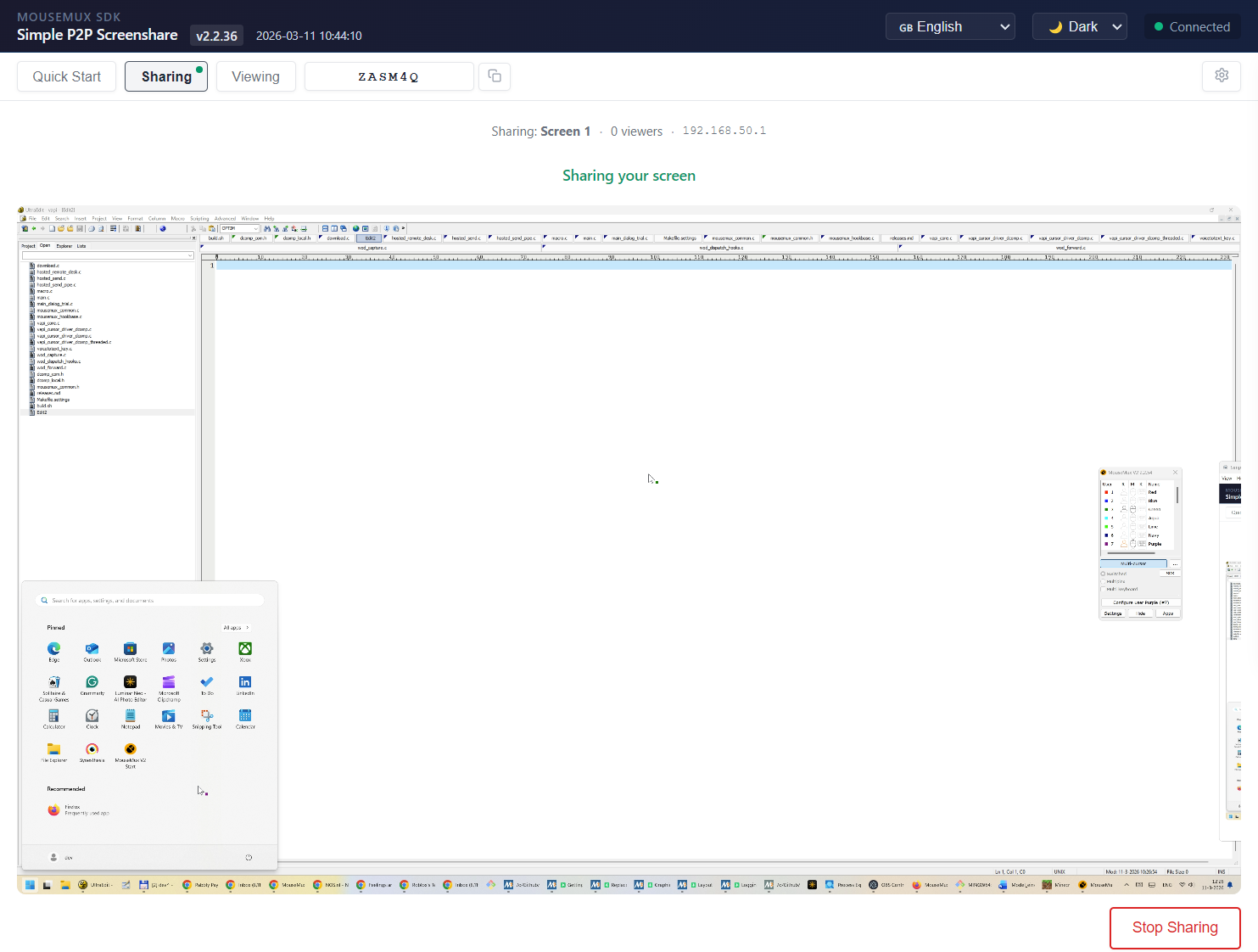
App Screenshot

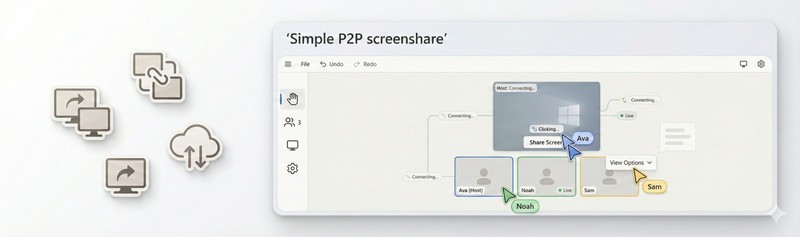
P2P Screenshare lets you share your screen with other users and give them remote mouse and keyboard control. When you launch the app, you choose to be a host or a viewer. The host clicks “Share Screen” to pick a screen and start sharing, and receives a session code. Viewers enter that code to connect and see the host’s screen in real-time. Once connected, the viewer can move the mouse and type on the host’s machine as if they were sitting in front of it. Multiple viewers can connect to the same host at the same time, and with MouseMux each viewer’s mouse is tracked independently so everyone gets their own cursor on the host’s screen. This makes it useful for remote support, collaborative work, presentations, and training sessions where multiple people need to interact with the same screen.

Getting Started

Launch the app from the MouseMux launcher. Choose “Share my screen” to be the host, or “View a screen” to be the viewer. The host shares a screen and gets a session code. The viewer pastes that code into the top bar and clicks Connect. Once connected, the viewer sees the host’s screen and can move the mouse and type on it. Multiple viewers can join using the same session code.


MouseMux Development Team ยท https://www.mousemux.com

P2P Screenshare
Details
Version 2.2.36
Category collaboration, utility, Lite
Publisher MouseMux Development Team
Platform Web App
Status SDK App
Updated 2026-03-20
Tags
P2P screen share WebRTC remote control remote input multi-user multi-mouse coordinates virtual user peer-to-peer web application JavaScript SDK

Like This App? Want It Changed To Your Needs?

We can do that! In days, not months. Affordable pricing.

Why Work With Us?

As the creators of MouseMux, we have complete control over every aspect of the platform. We can customize MouseMux to your exact needs: add your branding, run it invisibly in the background, modify behavior, or build entirely new features. Whether you need a custom multi-cursor application from scratch, want to adapt existing software for multi-user collaboration, or require deep MouseMux integration into your workflow, our team delivers.

Fast turnaround, most projects in days
Direct access to the development team
Affordable, transparent pricing
Ready to Start?

Tell us about your project

Get in Touch

[email protected]

Trusted by industry leaders

ABB
BMW
UFA
NHS
ROAV7
ruag
micronav
amgen
Avio Earo
Bosch
Schiphol
Vector
ABB
BMW
UFA
NHS
ROAV7
ruag
micronav
amgen
Avio Earo
Bosch
Schiphol
Vector